Free with ads · new customers: a week for $0.99
or 3 months for $9.49
· see plans
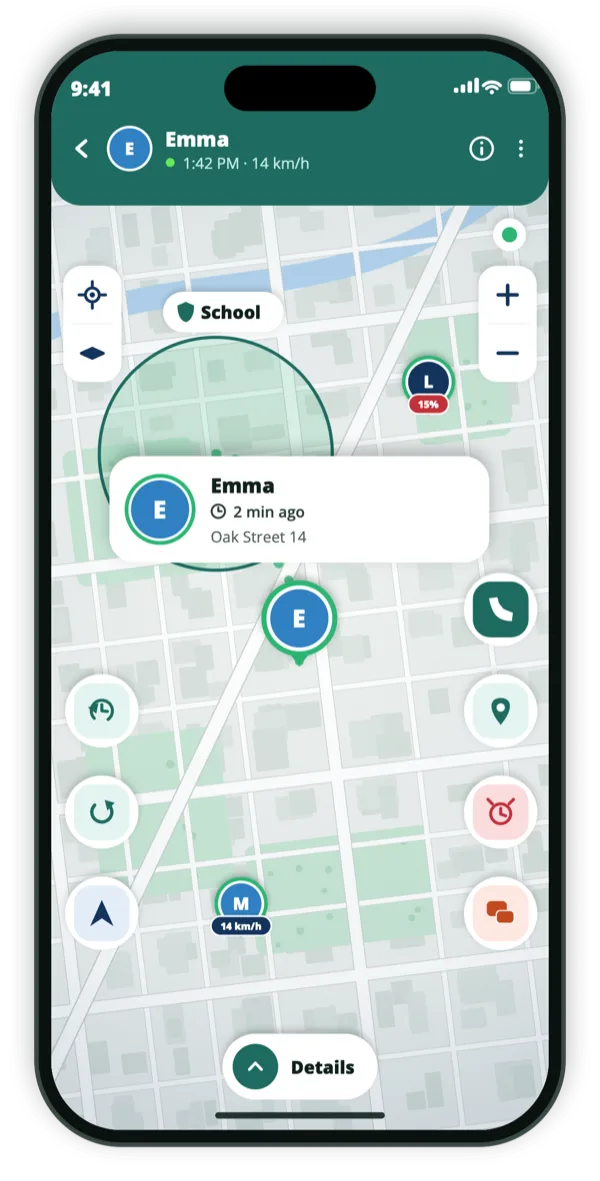
Emma · 14 km/hOak Street 14 · 2 min ago
Consent‑first. Nobody is on your map without sharing their own code.iPhone & Android. One circle across both.15 languages.
In the app
What it looks like on the phone.
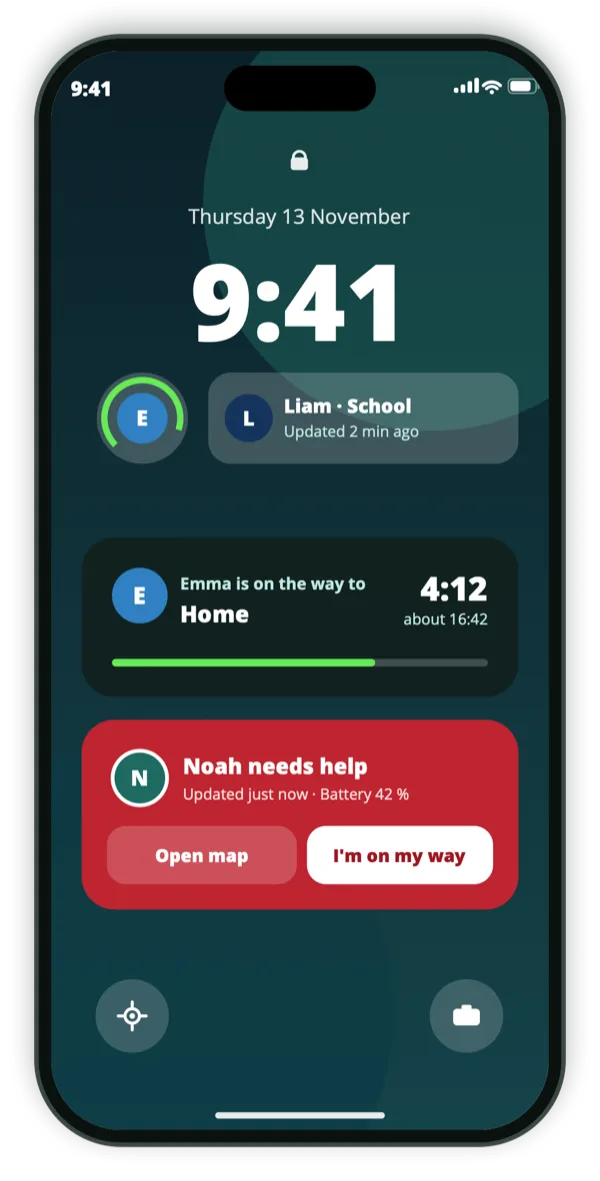
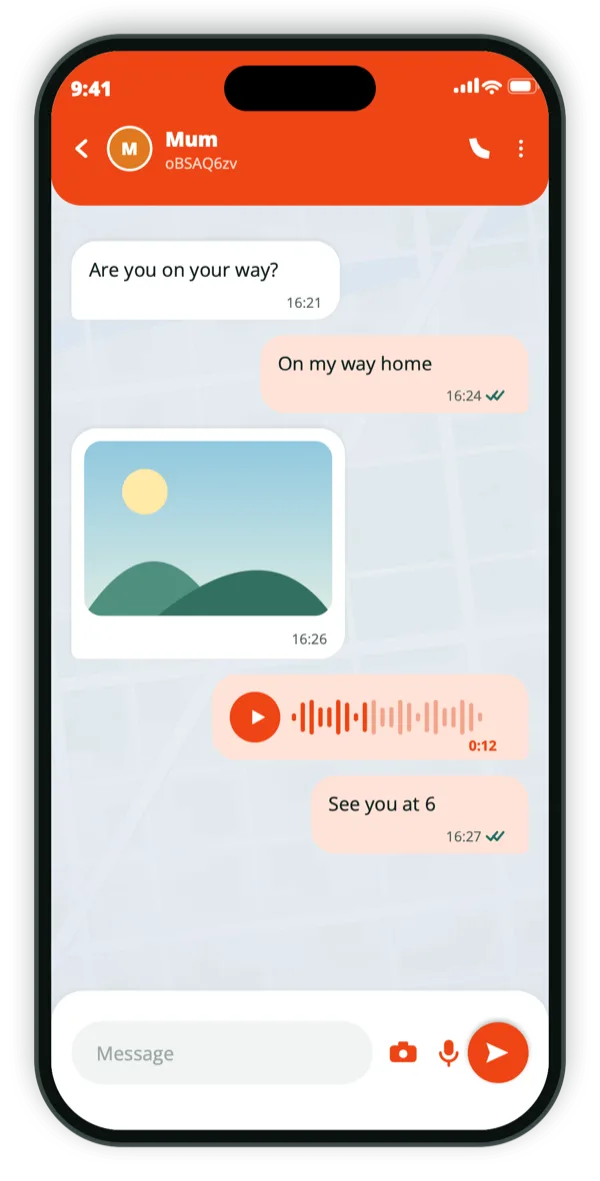
Your live positionOn their lock screenSay where you are
The taxi home, the first date, the late walk
There are moments when you want one person to see where you are for an hour, and installing an app is not going to happen. A live link covers exactly that: you create it, send it by message, and the person opens a web page that shows your position updating about every fifteen seconds.
They need no app, no account and no sign-up. When the time you chose runs out, or when you stop it, the page shows nothing. Nothing is left behind for them to keep looking at.
Opens in any browser, on any device
No app, no account for the person receiving it
Position updates roughly every 15 seconds
Shows the name you choose, not your account details
You set when it ends, and you can end it sooner
A live link lasts one hour, four hours, or until you switch it off. There is no option to leave it on indefinitely by accident, because a location link you have forgotten about is the thing most likely to go wrong.
While it is on, anyone holding the link can see the position, so send it to the person who needs it rather than posting it anywhere public. We count how many times a link is opened, and the page itself stores nothing about whoever opens it.
One hour, four hours, or until you stop it
Stoppable at any moment from the app
After it ends, the page shows nothing at all
The page stores nothing about the people who open it
Different from adding someone to your circle
Adding a family member is a standing arrangement: both people install the app, exchange codes, and see each other until they decide otherwise. A live link is the opposite — one-way, time-limited, and aimed at a single journey.
Most people end up using both: a circle for the household, and links for the one-off trips where somebody outside it should be able to see you arrive.
One-way: they see you, you do not see them
Time-limited by design
No relationship created, nothing to undo afterwards
How we think about this
Everyone on the map agreed to be there.
Be Close is built for families and trusted friends, and it only works with consent. There is no
hidden mode, and no way to add someone who has not agreed.
They install it themselvesA person’s location appears only after they install the app and share their own code with you.
They can always see it’s onAnyone sharing can see that sharing is on — and stop it, at any moment, without asking.
Never sold, never advertised againstLocation data is not sold and is not used for ad targeting.
Questions
The things people ask first.
Does the other person need Be Close?
No. A live link opens as a normal web page in any browser. No app, no account, no sign-up.
How long does a link last?
One hour, four hours, or until you stop it. There is no permanent option, on purpose.
What do they see after it expires?
Nothing. The page stops showing a position entirely once the link ends.
Can I send it to more than one person?
Yes, but anyone holding the link can see the position while it is live, so treat it as you would any private link.
Get the app
Get the app, send the link.
Free to download. You need the app; whoever you send the link to needs nothing at all — no account, no install.