Free with ads · new customers: a week for $0.99
or 3 months for $9.49
· see plans
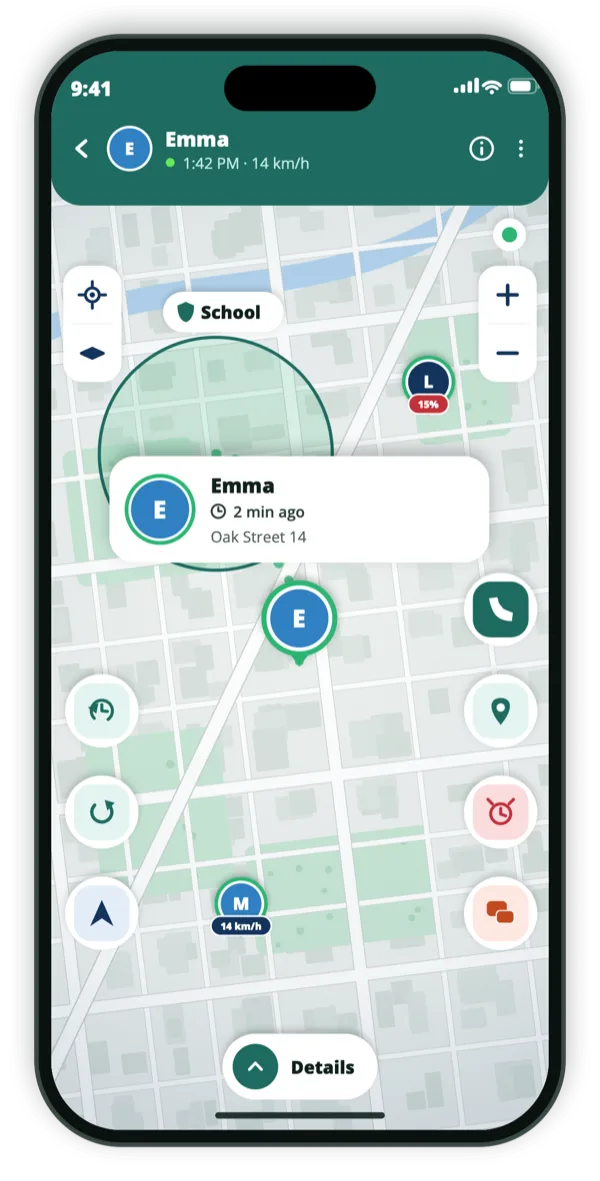
Emma · 14 km/hOak Street 14 · 2 min ago
Consent‑first. Nobody is on your map without sharing their own code.iPhone & Android. One circle across both.15 languages.
In the app
What it looks like on the phone.
Hold three secondsThey follow your positionEmergency call, same screen
Why three seconds, and why no typing
An emergency button has two failure modes: it goes off in a pocket, or it asks too much of someone who is frightened. A three-second hold is long enough to avoid the first and short enough to survive the second. There is nothing to type, nobody to choose, and no message to compose.
The alert goes to the people who can already see your location — the circle you built in advance, when you were calm. That is the part that has to be done beforehand, and it is the only part.
Hold for three seconds; no menus, no recipient to pick
Reaches everyone who can see your location at once
Works from the map screen, no need to find anything
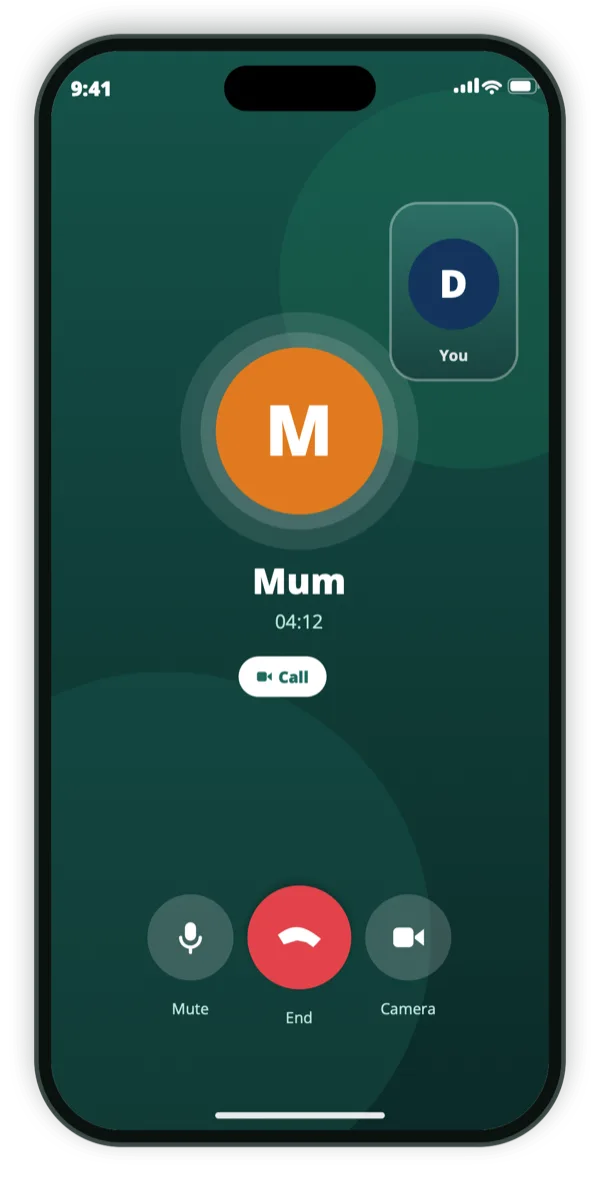
Emergency services callable from the same screen
A position that keeps moving with you
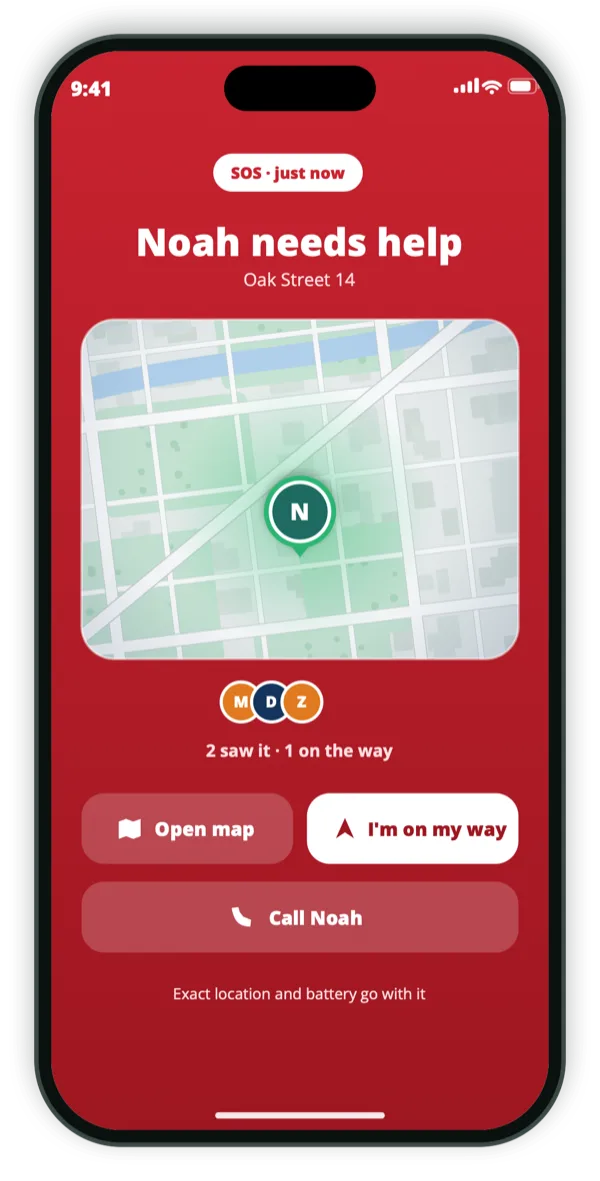
A single location sent at the moment of an alert is often already wrong by the time someone sets off. While SOS is active, your position keeps going out, so the people coming to you are following rather than guessing where you were a few minutes ago.
They see Open map, Navigate and “I’m on my way”, and you see who has answered. Knowing that someone is actually coming, and who, is a large part of what the alert is for.
Position updates continuously while the alert is live
Battery level sent with it, so they know your margin
Responders can answer “I’m on my way”
You see who is coming
What it is not
Be Close does not contact emergency services for you, and it is not a monitored alarm service. It alerts the people you chose and puts the emergency number one tap away. If you need a monitored service with a dispatch centre, that is a different product and worth paying for.
The SOS is on the free tier, like every other safety feature. Locking an emergency button behind a subscription would make it useless at the moment it is needed.
Not a monitored alarm or dispatch service
Does not call emergency services automatically
Available on the free tier, always
How we think about this
Everyone on the map agreed to be there.
Be Close is built for families and trusted friends, and it only works with consent. There is no
hidden mode, and no way to add someone who has not agreed.
They install it themselvesA person’s location appears only after they install the app and share their own code with you.
They can always see it’s onAnyone sharing can see that sharing is on — and stop it, at any moment, without asking.
Never sold, never advertised againstLocation data is not sold and is not used for ad targeting.
Questions
The things people ask first.
Who receives the SOS?
Everyone who can already see your location — the people who have exchanged codes with you. There is no separate list to maintain.
Does it call the emergency services?
No. It puts the emergency number on the same screen so you can call in one tap, but Be Close never calls on your behalf.
Can I cancel a false alarm?
Yes. Marking yourself safe ends the alert and stops the position broadcasting.
Is SOS part of the paid plan?
No. SOS, like every safety feature, works on the free tier. A subscription only removes ads.
Get the app
The circle has to exist first.
An SOS only reaches people who can already see your location, so the setup is the part worth doing now, while nothing is wrong. It is free and takes a minute.